How to Use the Calculator?
The AlbionUtil crafting calculator gives you your real net profit before you spend a single piece of silver. Here is the step-by-step flow:
Pick your item, Tier and Enchantment
Use the sidebar on the left to browse by category (Weapons, Armor, Tools, etc.) or type a name in the search box. Select the tier and enchantment level you plan to craft.
Select an Item
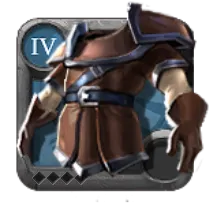
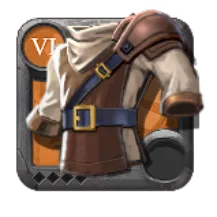
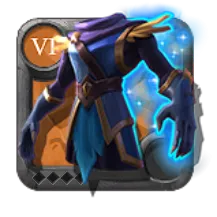
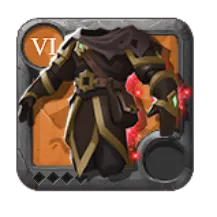
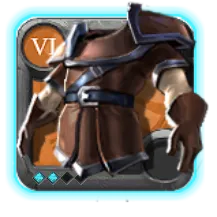
Leather Armor
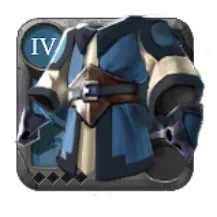
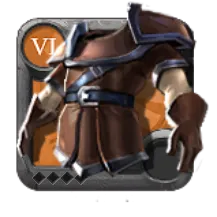
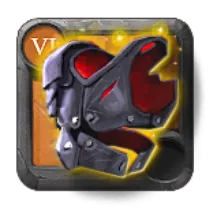
Mercenary Jacket
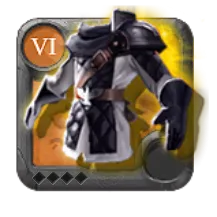
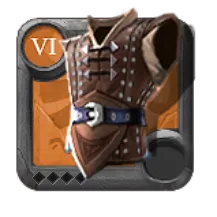
Stalker Jacket
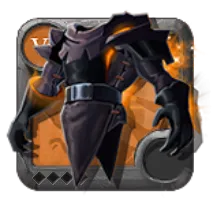
Hellion JacketTier
Enchantment
Configure the craft, and Advanced Settings
The Item Craft panel is where you configure your crafting run. Enable Premium Account if your subscription is active — it lowers market tax from 10.5% to 6.5%. Toggle Black Market if you plan to sell items there instead. Then set the quantity and the sell price of the finished item. Under Advanced Settings, Station Fee is the charge your crafting station applies per craft, and Extra Costs lets you log any other silver spent during the craft — food buffs and rerolls are the most common examples.
Item Craft
Enter your prices, Materials and Journals
Here you only need to enter prices. The calculator shows the materials and artifacts required to craft one unit, plus the associated journals — just enter the buy price for each. For journals, add the buy price of the empty ones and the sell price of the full ones. The total quantities needed for your complete craft are calculated separately and shown in the Purchase Summary.
Journals
x4
x4Materials
x16
x1Set your Return Rate, and Masteries
The calculator automatically detects the best city for your item and sets the Return Rate — including the daily crafting bonuses, so the value is always accurate whether you use Focus or not. Only change it manually if you craft in a Hideout. Below, enter your Crafting Masteries and enable Use Focus to see exactly how much focus your run will consume based on your levels.


Active


8.042
Without masteries716
After masteriesCheck the summaries, Purchase and Sales
The Purchase Summary shows the total quantities of materials, artifacts, and empty journals you need to buy for your entire craft run, along with the total cost for each. The Sales Summary shows the revenue from selling all crafted items and full journals — already discounted by market tax, so the numbers are exactly what lands in your bag.
Purchases Summary
×272Hardened Leather
1.250.384
×17Morgana Artifact
22.100
×4Hunter Journal — Empty
23.600
Sales Summary
×20Mercenary Jacket .2
+1.600.000
after tax
×4Hunter Journal — Full
+84.440
after tax
Save your work, and Add to Planning
Once everything is filled in, hit Save Masteries to store your specialization levels — the calculator will always use them to give you the exact focus cost. Hit Save Prices to lock in your material and journal prices, so they reload automatically next time you craft the same item. Finally, Add to Planning groups the calculation into a session where you can combine multiple crafts, see your full consolidated shopping list, and track each item from in progress to crafted.